How does online appointment booking work for a clinic?
Plan online booking for a clinic: requests versus confirmed appointments, shared schedules, website and Telegram options, reminders, costs and checks.
Researched from public sources and written by the KATOV team.
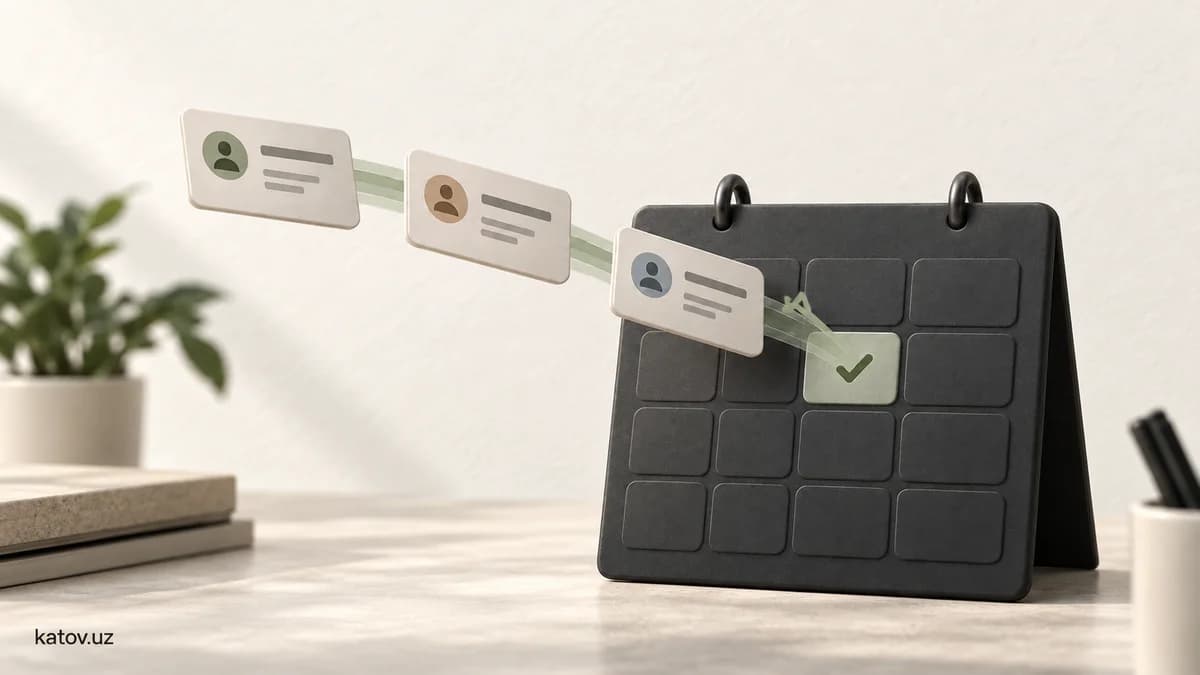
An online appointment booking system lets patients choose a service, doctor and suitable time, while the clinic receives requests and manages its schedule. The key distinction is between a request and a confirmed booking. Sending contact details does not necessarily mean a doctor is expecting the patient at the selected time.
A receptionist may be on the phone when another patient wants to book. A website or bot can collect that request, but a working process also needs an up-to-date schedule, clear confirmation rules and a responsible staff member.
How does a request differ from an automatic booking?
| Option | What the patient does | When the time is confirmed |
|---|---|---|
| Callback form | Leaves a name and phone number | After agreeing a time with reception |
| Preferred-time request | Submits a service and desired time | After the clinic checks availability |
| Booking connected to a shared schedule | Selects an available slot | After the slot is reserved and the booking saved |
The first two options need an accurate message: “Your request has been sent. Your appointment time is not yet confirmed.” A successful automatic booking should show the date, time, doctor and branch. A failed save must not produce a success message.
What does the patient journey look like?
- The patient chooses a service or specialist, and a branch if necessary.
- The system shows suitable available times, accounting for appointment length and breaks.
- The patient enters the contact details needed for booking and sees an explanation of their use.
- The system saves a booking or sends a request for staff approval. The patient can tell which outcome occurred.
- After confirmation, the patient receives the appointment details and a way to cancel or change the time.
As a real service example, the NHS App guide separately explains viewing and cancelling appointments. This is not a required template for clinics in Uzbekistan; it illustrates why the journey after a booking matters too.
How can you avoid booking two patients into one slot?
Appointments made by phone, at reception, on the website and through a bot should appear in one main schedule. When reception reserves a time by phone, it should stop being available online. Doctor absences, service duration and constraints across branches also belong in the scheduling rules.
An illustrative acceptance test: two patients select 14:00 at the same moment. The first booking is saved; the second patient is told that the slot is taken and offered alternatives. Confirming both would be a defect to catch before launch. If staff keep a separate paper list without updating the system, the website cannot know those times are occupied.
Should a clinic choose a website, Telegram bot or CRM?
A website can explain services, doctors, opening hours and location. The clinic should verify the information about its practitioners. The booking button must be easy to find on a phone, and the form should request only what is needed. Our website speed guide helps assess the mobile experience.
A Telegram bot can provide an additional route for people who already contact the clinic through Telegram. A CRM or existing clinic application may support staff workflows, but not every CRM fits appointment scheduling requirements. Check integration options before replacing an existing application. Our CRM guide explains the difference between ready-made and custom solutions.
How should reminders and patient details be handled?
A confirmation records a successful booking; a reminder points to an upcoming appointment. A reminder may need only the time, branch and instructions for changing the booking. Do not include diagnoses or unnecessary personal details. Failed delivery should be visible to the responsible staff member: sending a message and delivering it are different states.
Collect only the information needed to arrange the appointment. Decide who can access it, how long it is retained and how staff access is revoked before development begins. A basic booking form does not replace a medical record. This article covers workflow planning; applicable local data requirements, including consent and storage rules, should be checked against the Law on Personal Data before launch.
How should you assess cost and accept the finished system?
Give the developer a list of branches, doctors, services, languages and existing applications. Decide whether bookings are automatic or require staff approval. Ask about hosting, messaging, subscriptions and support as well as the development fee. Our IT quote comparison table helps compare equivalent scopes of work.
Test practical situations during acceptance:
- Two simultaneous attempts at the same slot: only one booking is confirmed.
- A phone booking entered by reception: the online slot becomes unavailable.
- Cancellation or rescheduling: the old and new slots have the correct status.
- A doctor changes their schedule: staff can see affected appointments.
- A message fails or a number is invalid: patients and staff receive understandable status information.
- Mobile use: text is readable, buttons work and submitting again does not create a duplicate.
You can start with one service or a small group of doctors. Track the time from request to confirmation, unfinished forms and scheduling conflicts. Online booking alone does not guarantee more patients or higher revenue; assess it alongside the clinic's actual working process.
Frequently asked questions
Does submitting an online request confirm an appointment?
Not always. With a request form, a receptionist checks and confirms the time. With a shared scheduling system, confirmation follows successful reservation of the slot and creation of the booking.
Does a clinic need a website or is a Telegram bot enough?
A website explains services, doctors and location; a bot supports booking inside Telegram. If both channels are used, their bookings should reach the same schedule.
Does online booking replace the receptionist?
No. Staff still handle schedule changes, requests without suitable availability and exceptions. The system can perform some repetitive tasks.
What determines the cost of a clinic booking system?
Cost depends on branches, doctors, scheduling rules, languages, reminders and integration with existing software. Compare development charges and recurring fees separately.
Start with your clinic's booking process
Tell KATOV how you receive requests, where you keep the schedule and what you want to improve. Discuss the clinic website and scope of online booking through our website development service.