Building a website with AI: is everyone a developer now?
What does building a website prototype with AI actually change? A practical guide to testing an idea, telling a prototype from a finished product and checking a business site.
Researched from public sources and written by the KATOV team.
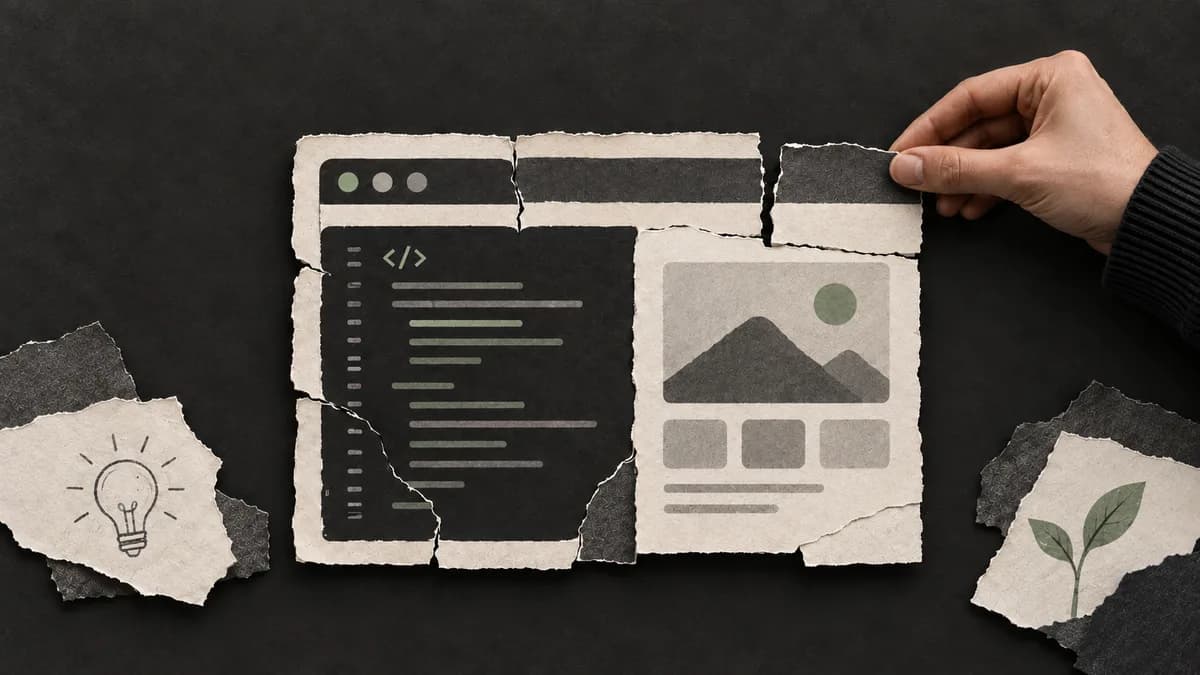
“Everyone is a developer now” describes a real new opportunity, but taking it literally is a mistake. With AI you can turn an idea into a prototype of a page or an app. Getting it ready for real users still takes understanding the task, testing it and running it afterwards.
The upside of this shift is that more people can test their own ideas. The risk is mistaking a prototype that looks good on screen for a finished product. The most useful question for a business owner is not only “who or what wrote this?” but also “does it do the job I expect?”.
What does “everyone is a developer” mean?
Imagine the owner of a small workshop wants a page showing their services. They describe the sections they need in plain words: services, examples of work and a contact button. With AI they can produce a first version and show it to a colleague.
In this hypothetical example the owner turned an idea into something visible. Instead of saying “I need a nice website”, they can now discuss which sections are needed more precisely. But whether the button leads to the right place, whether the page works well on a phone and who will update the information are still separate tasks.
Programming is also a broader activity than a one-off result. It includes breaking a problem into parts, choosing a solution, finding errors and checking that the other parts still work after a change.
What is good about this?
Ideas become easier to explain
Everyone pictures a verbal description differently. A simple prototype makes the conversation concrete: what information appears first, where does the user tap and what should they find?
For example, an administrator who sees a prototype of a courses page might say: “We need class times before the long introduction.” Feedback like that is valuable at the start of a project.
You can run small experiments
To test interest in a new service you may not need to build a large system right away. First judge whether a simple page with a service description and a way to get in touch is enough. Its purpose should be clear in advance.
When working on a prototype you can use made-up examples instead of a real customer list or personal data. That way you start the conversation about the idea without complex integrations.
Learning becomes hands-on
A beginner can change a button, see the result and learn why it worked. A useful habit is to try explaining the change in your own words, not just to take the ready answer.
If something breaks, before asking “write it again”, note which action caused the problem. That habit of observation stays useful even when you switch tools.
Where can you draw the wrong conclusion?
The most common trap is equating how something looks with how it works. A request form being on the screen does not mean it delivers the message to an administrator. A “Sent” message is not the only proof that the message arrived either.
Checking AI output is not just for beginners. GitHub’s responsible use guide explains that generated code should be reviewed and tested, and that answers can be wrong or incomplete.
Another problem is ignoring the work after the first version. If a price changes, a new service is added or requests stop arriving, it should be clear who manages the site. An easy start does not solve ongoing maintenance on its own.
How a prototype differs from a site ready for real use
The table below compares two stages of the result, not tools.
| Check | First prototype | When preparing for real use |
|---|---|---|
| Text | May contain placeholder examples | Services, contacts and terms are checked |
| Request form | Only the look may be finished | A test request reaches the right person |
| Phone | May have been viewed on one screen | Key actions are tested on different screens |
| Errors | Only correct input was tested | Empty fields and failed sending are tested too |
| Management | The creator changes it personally | Who updates it, and how, is agreed |
| Outcome | Shows the idea | Does the defined business job |
This list does not replace a full technical review. For example, in a project with payments or user accounts, access rights and data handling should also be checked by a specialist.
A simple test for business owners
Say a training centre’s site needs to collect sign-ups for a new course. You can write the acceptance criterion like this: “A person on their phone finds the course and class times, sends their contact details, and the administrator sees which course was chosen.”
Then walk that path from start to finish:
- Open the site on your phone and find the course.
- Check that the class times, address and contact details are correct.
- Send a request using contact details set aside for testing.
- Confirm that this exact request reached the administrator.
- Leave a required field empty: does the user understand what to do?
- If sending fails, check that another way to get in touch is visible.
This test does not guarantee more sales. It helps confirm that the main enquiry path on the site works. At the next stage it is worth tracking whether the enquiries coming in actually fit your service.
Starting yourself vs bringing in a specialist
If you know your service well, you can start with a list of pages, a draft of the text and a prototype of the look. Going to a specialist with a concrete example makes the discussion easier.
Once orders, payments, customer data or several systems working together are involved, the scope of testing grows. When estimating such work, account not only for the time to build pages but also for integrations and ongoing management.
You can start your website requirements with three lines:
- Who it is for: for example, parents looking for courses near home.
- Main action: see class times and request a trial lesson.
- Sign it is ready: the request reaches the right administrator with the course name.
After that it is easier to discuss which parts you need as part of a website development service. A separate article on how AI affects the developer profession is available here.
Frequently asked questions
Is someone who built a website with AI a developer?
One prototype does not fully show professional skill. Understanding the task, checking the result, fixing errors and being able to keep the project going matter too.
Can I test an idea without knowing how to code?
You can prepare a simple page or service prototype and collect feedback from users. At first, use made-up examples instead of real customer data.
Is a website built with AI good enough for a business?
It can be. What decides it is not the name of the tool but whether the site does its job, how it performs in testing and how it will be maintained.
If you want to turn your idea into a website that works for your business, we will define the main job and a measurable result together. Discuss your website project with KATOV.